Find your next upgrade
Audio Interfaces reviews
Count the microphones and line sources you will record together. Then check monitoring, expansion and the exact connection requirements of your computer.
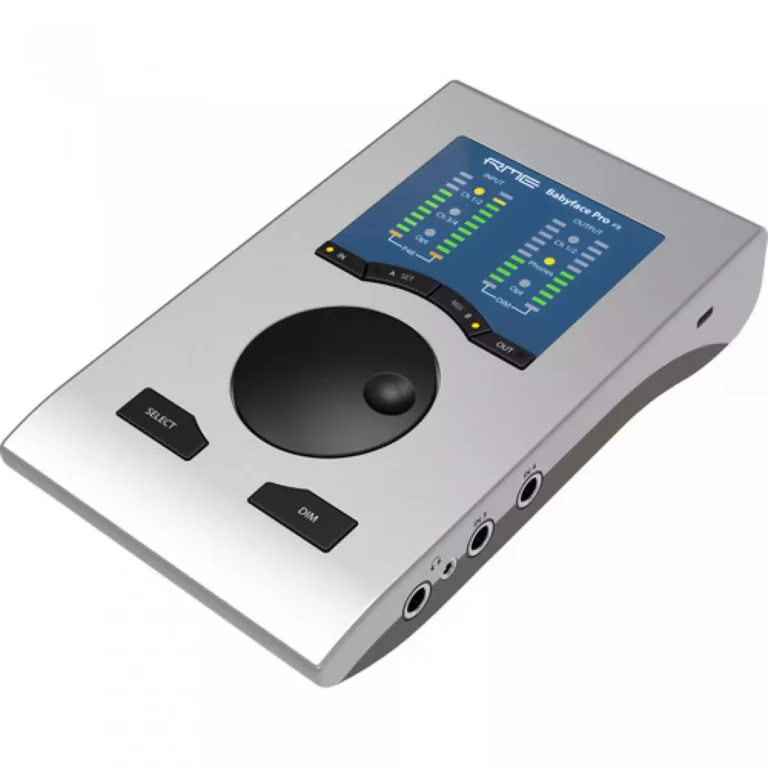
#1 in category
RME Babyface Pro FS
A relevant professional shortlist option when compact routing flexibility and optical I/O solve real problems. It may be unnecessary expense for a simple two-input task, and its software…
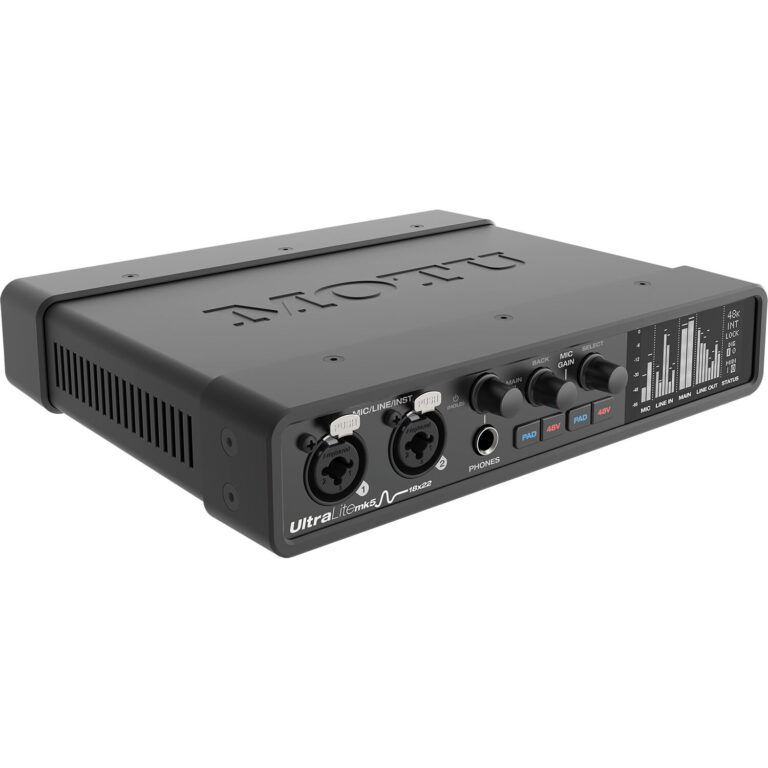
#2 in category
MOTU UltraLite-mk5
A versatile compact interface for a studio that needs many line paths, digital expansion and hardware monitoring. It is more than a basic two-preamp box, but its flexibility…
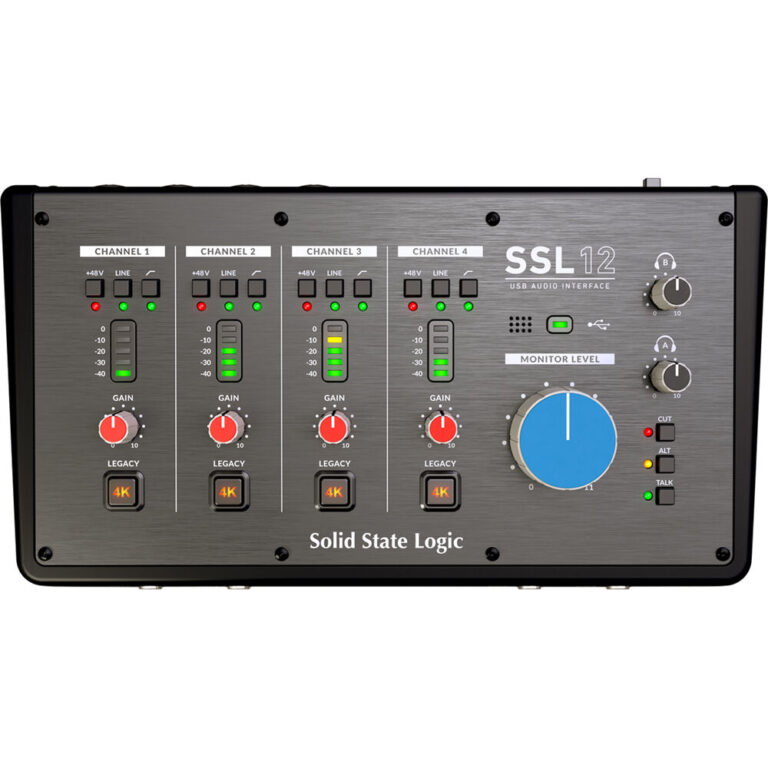
#3 in category
SSL 12
A strong small-studio option when four preamps, performer mixes and digital input expansion are useful together. Its value is in the complete monitoring workflow, with the channel-sharing and…
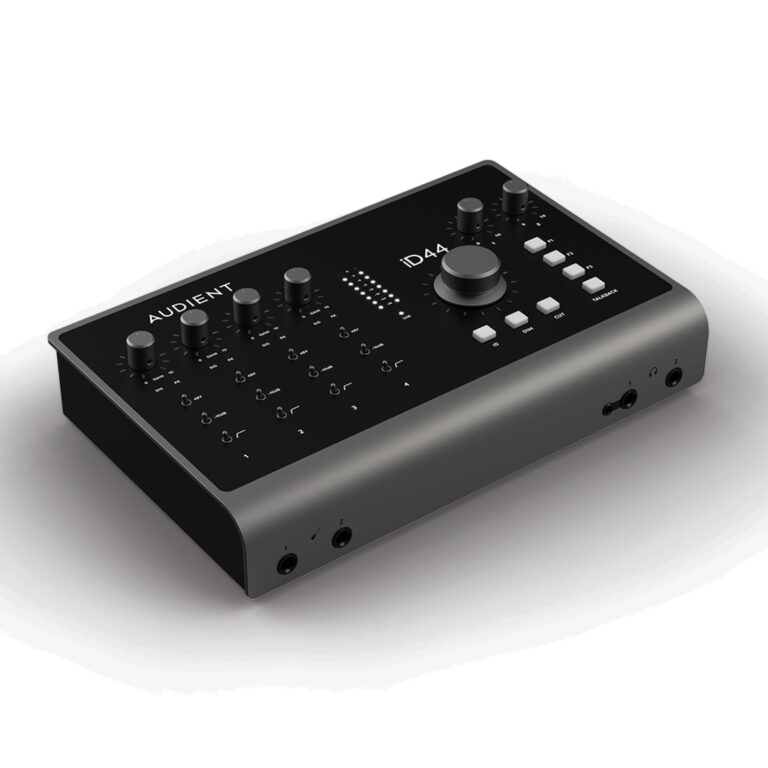
#4 in category
Audient iD44 MKII
A strong desktop studio foundation when four analogue preamps, performer monitoring and optical growth are genuinely useful. Budget and plan the complete expanded system; its headline channel count…
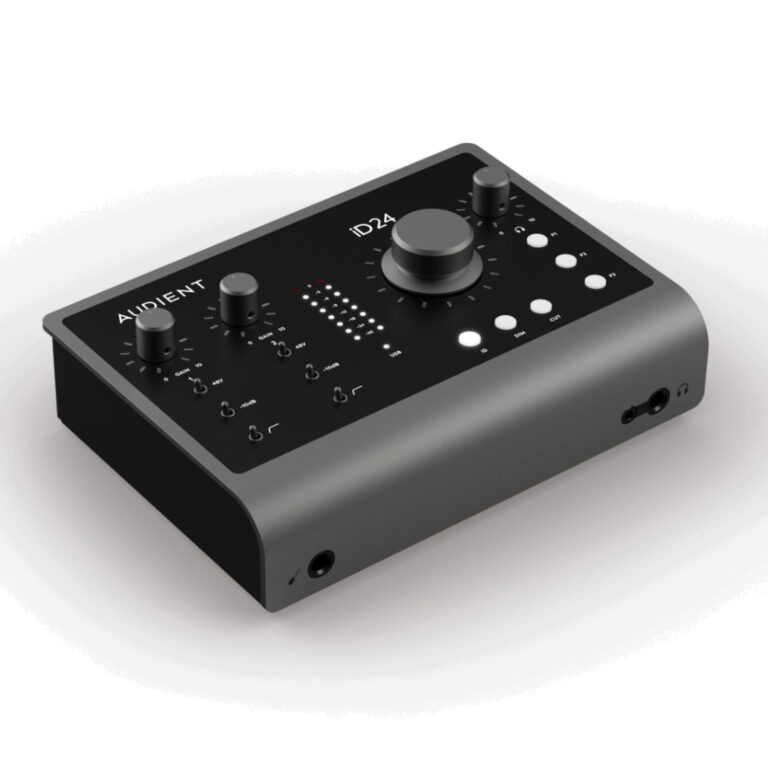
#5 in category
Audient iD24
A strong original-generation recording tool for owners who will use its inserts, monitor controls or optical expansion. Confirm the two-preamp layout and shared headphone feed, and do not…
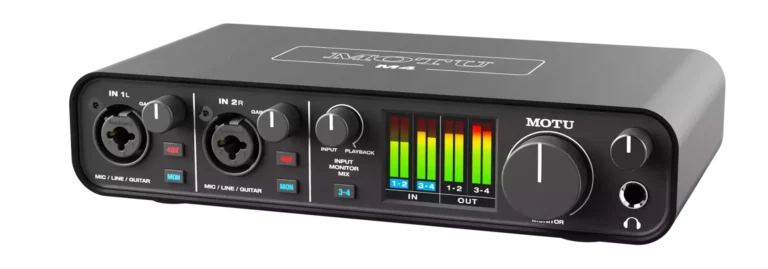
#6 in category
MOTU M4
A useful shortlist option when two microphone inputs and two additional line inputs cover the session. It does not have four microphone preamps, and its RCA outputs mirror…
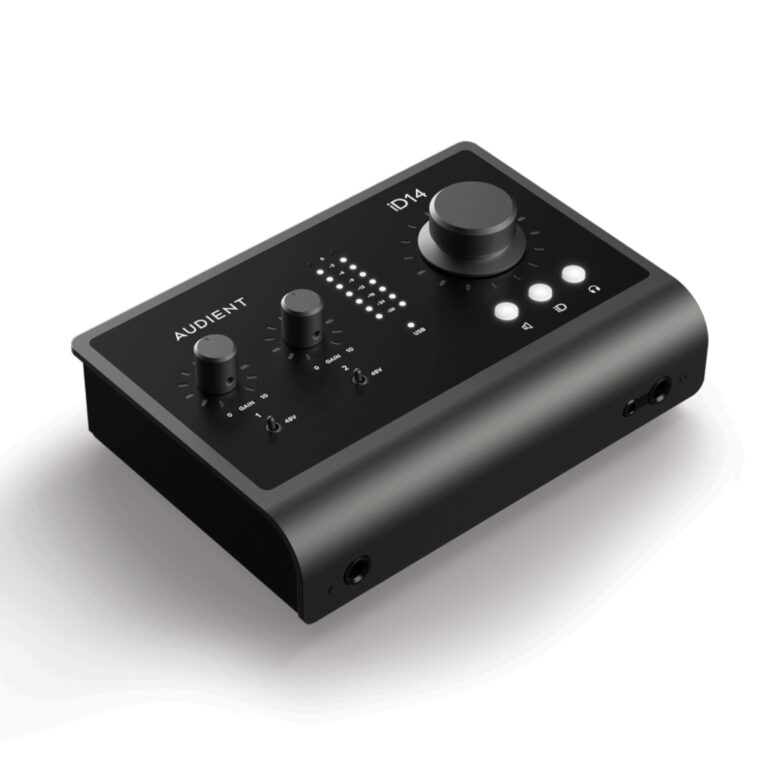
#7 in category
Audient iD14 MKII
A practical shortlist option for a small studio that may later add an optical preamp. Check USB power and sample-rate-dependent channel counts, and do not mistake two headphone…
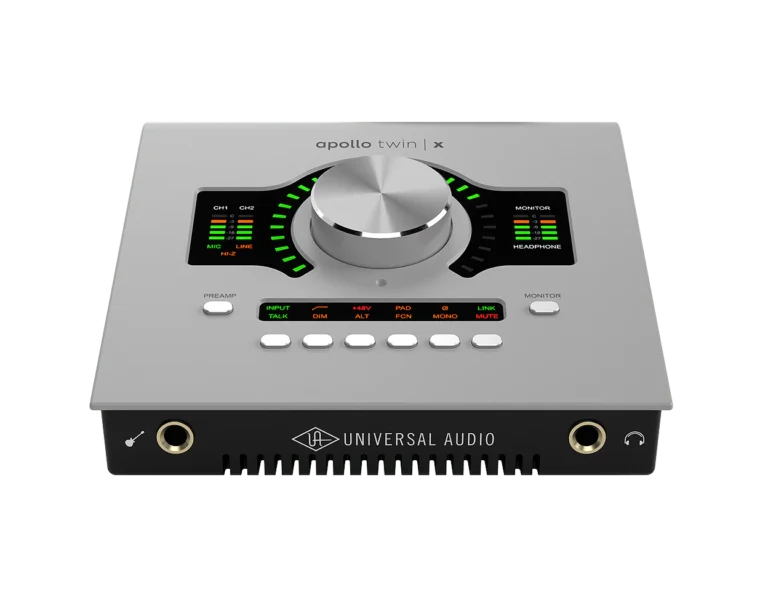
#8 in category
Universal Audio Apollo Twin X DUO Gen 2
Apollo Twin X DUO Gen 2 is a 10-in/6-out Thunderbolt interface with two Unison preamps, improved conversion and dual-core UAD DSP. Its defining feature is near-real-time recording through…
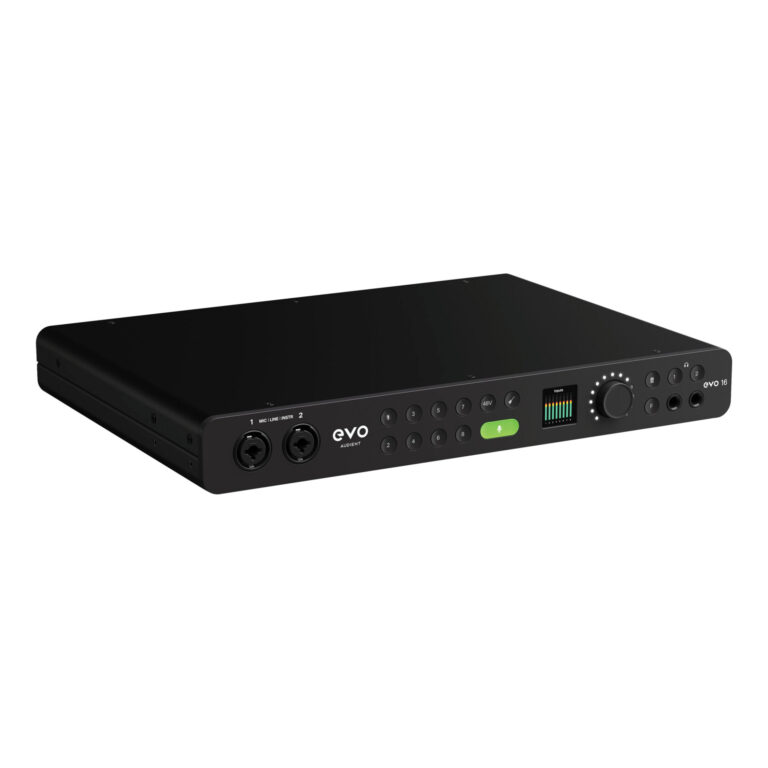
#9 in category
Audient EVO 16
A flexible, good-value route to multi-microphone recording, especially when Smartgain and digital expansion are useful. Understand the sample-rate-dependent channel count, software mixer and mains-power requirements before treating it…
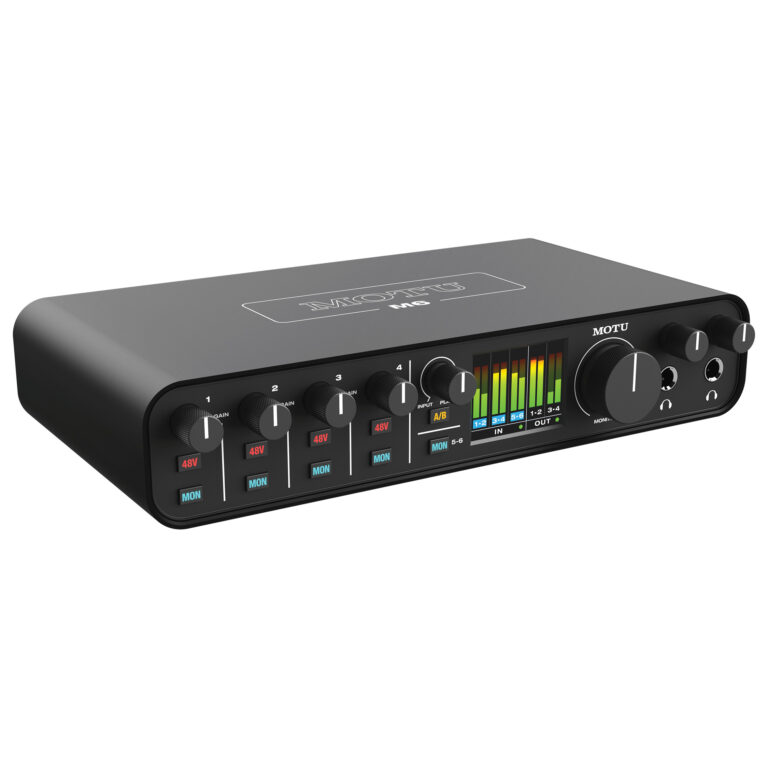
#10 in category
MOTU M6
A strong musician-focused interface when four microphone inputs and immediate controls matter more than elaborate routing. Check the headphone and direct-monitor limits before choosing it for sessions with…
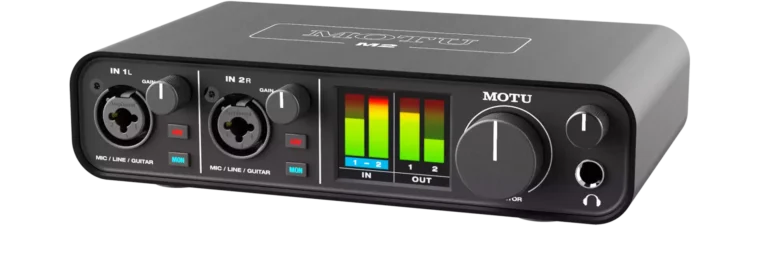
#11 in category
M2
A focused two-input USB interface with clear colour metering, MIDI I/O and direct monitoring. A useful small-studio choice; the RCA sockets mirror the main output pair rather than…

#12 in category
SSL 2+ MKII
SSL 2+ MKII is a practical two-input recording interface when four line outputs, two headphone connections, MIDI and loopback are useful. It suits solo creators and small sessions…
Rankings and editorial scores apply within this category. How we review and score products →